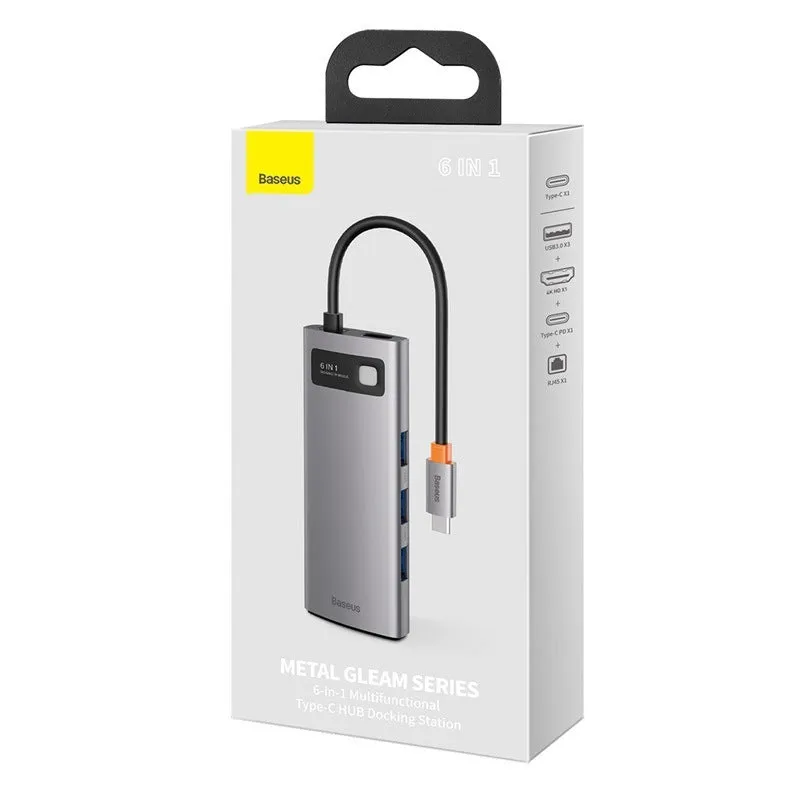
6-in-1 USB C Docking Station Type-C Hub with 4K HD, PD, USB 3.0, USB 2.0, Gigabit Ethernet, SD and TF Card Reader for Laptop and Notebook Connectivity


6-in-1 USB C Docking Station Type-C Hub with 4K HD, PD, USB 3.0, USB 2.0, Gigabit Ethernet, SD and TF Card Reader for Laptop and Notebook Connectivity
6-in-1 USB C Docking Station with 4K HD, PD, USB 3.0 and Gigabit Ethernet
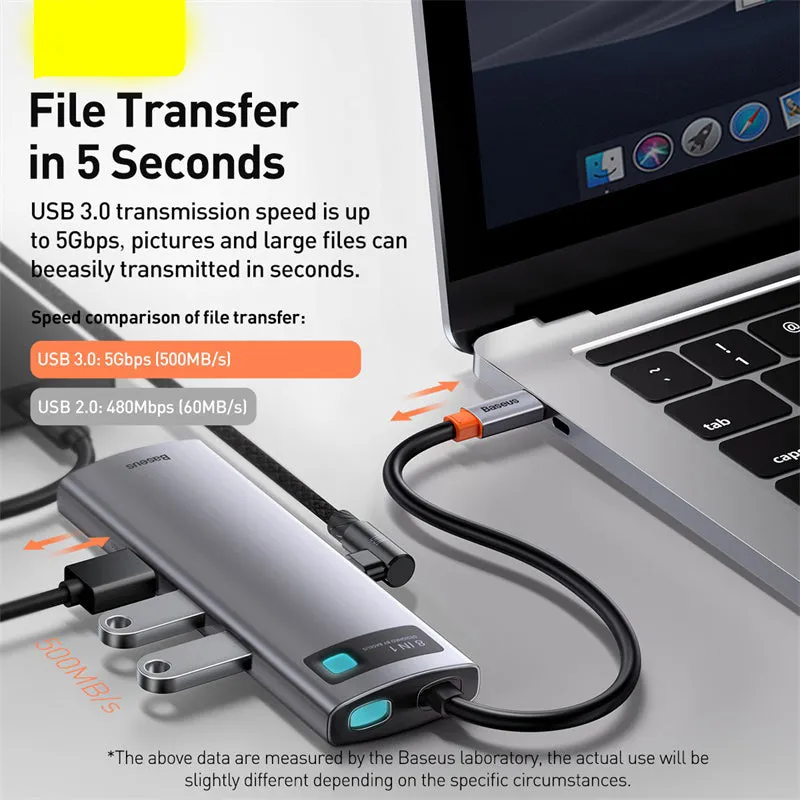
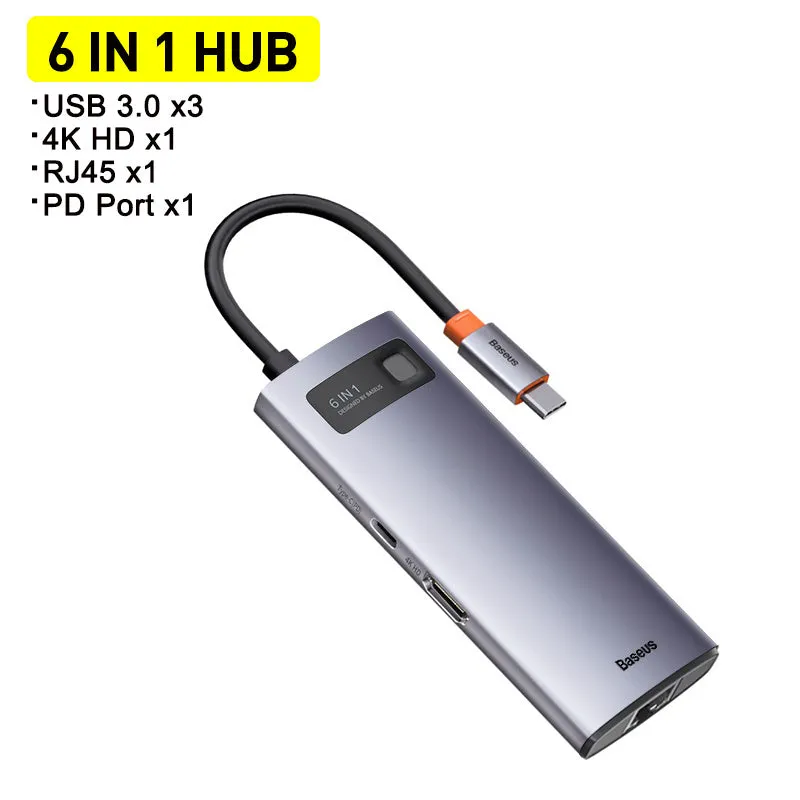
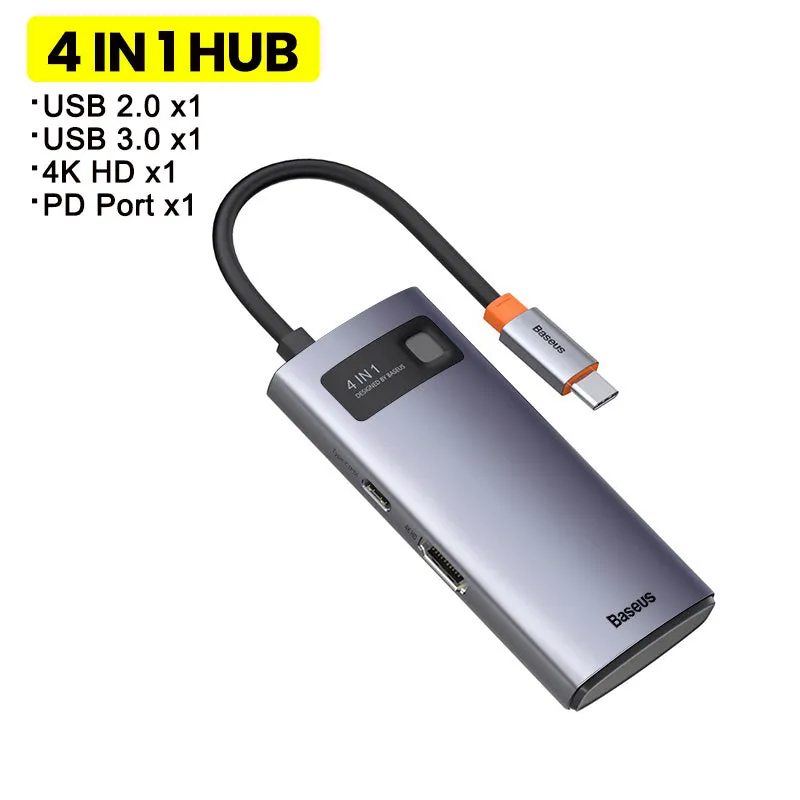
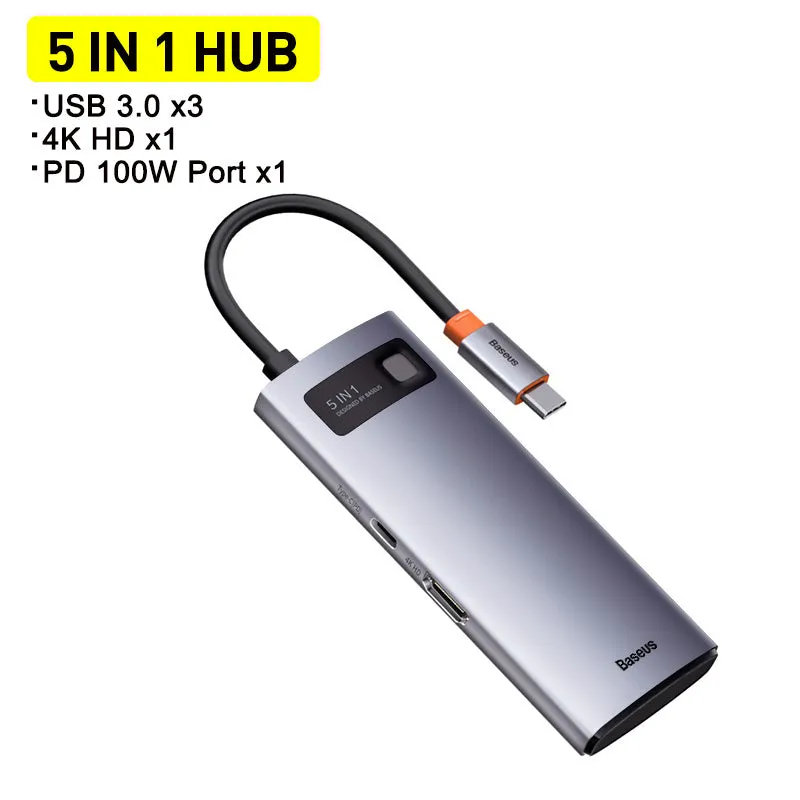
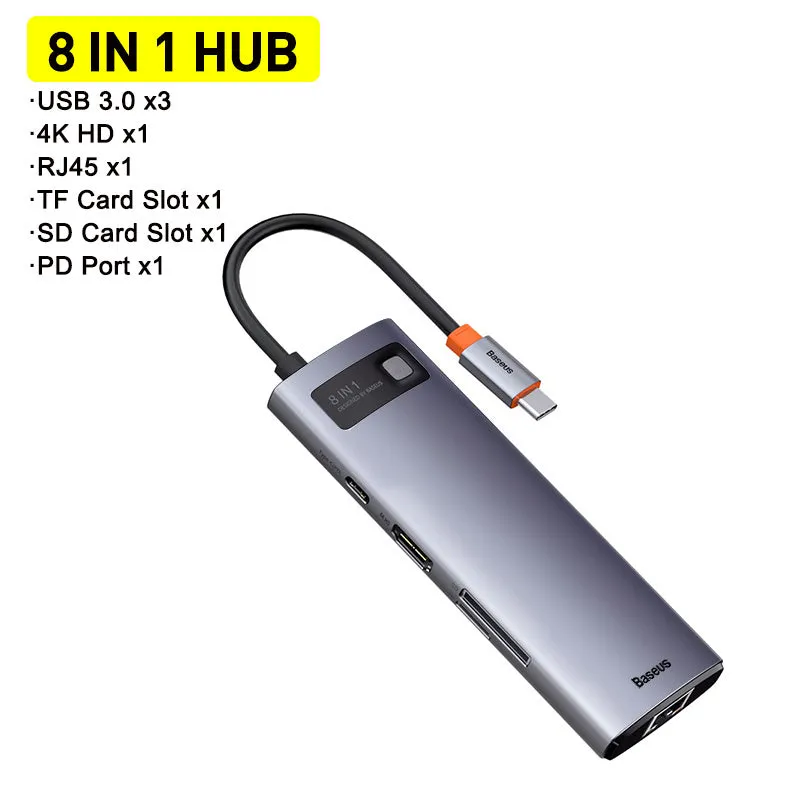
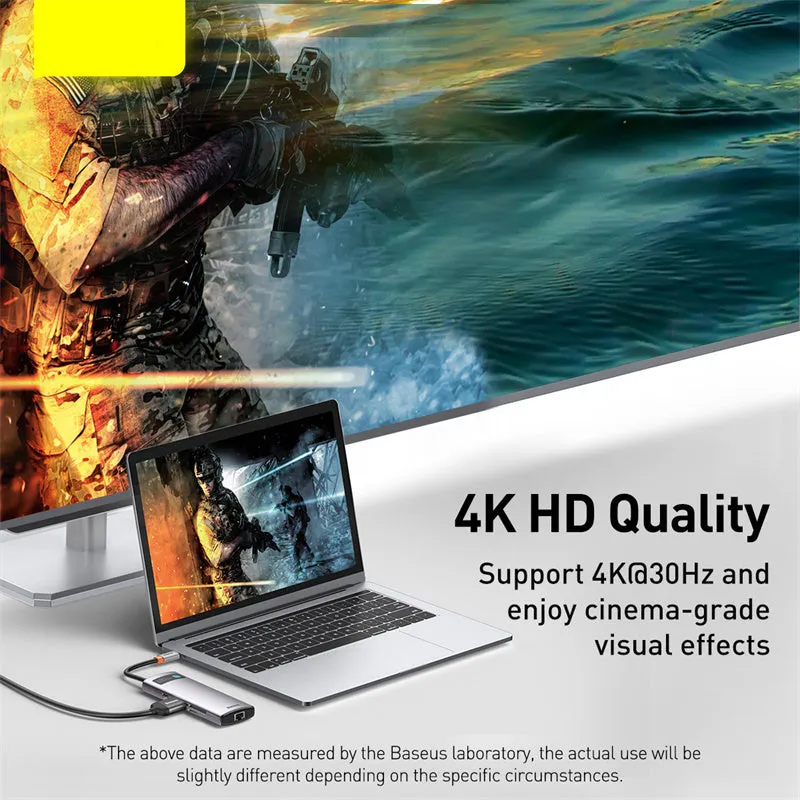
This Baseus Metal Shimmer Type-C docking station expands the connectivity of a laptop or notebook through a single Type-C connection. The six-in-one version provides a PD port, a 4K HD output, three USB 3.0 ports, and a Gigabit Ethernet port. It is aimed at users who need to attach a monitor, wired network cable, and multiple USB peripherals without carrying separate adapters. The hub requires no external power supply, drawing power from the host device instead. The range also includes four-in-one, five-in-one, and eight-in-one options, so the interface set can be matched to the devices you actually use. This description focuses on the six-in-one model while noting how the other configurations differ.
Features and Construction
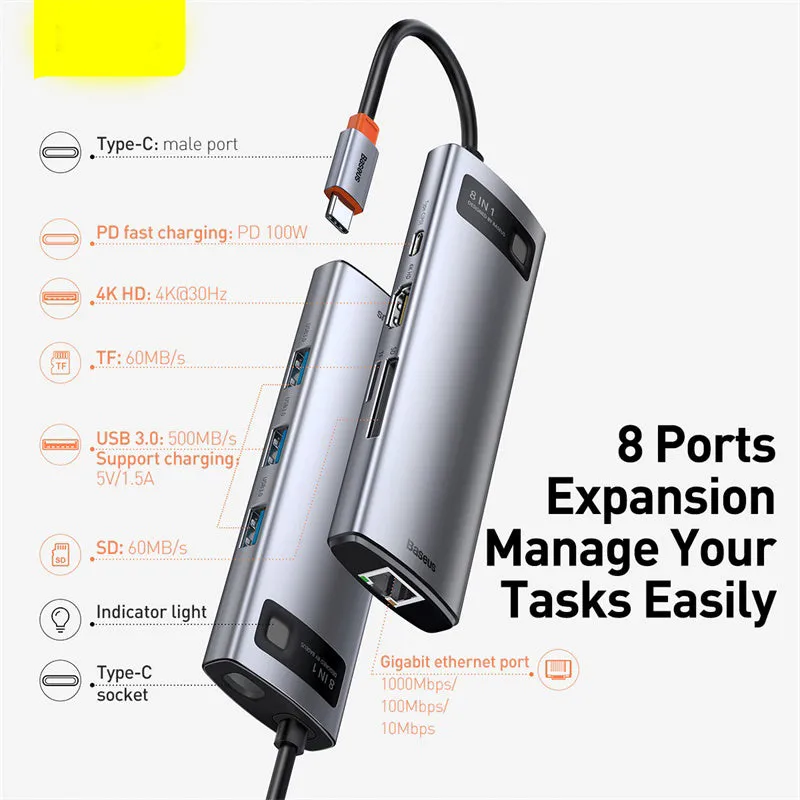
The hub is built around a Type-C connection and is offered in several interface combinations. The six-in-one model sits in the middle of the range, adding wired networking to the USB and display outputs found on the simpler versions. The metal shimmer finish is referenced in the model name, though the full material composition is not detailed in the source information.
Material and Build
The product is named Baseus Metal Shimmer, which indicates a metal finish on the housing. The source text does not specify the exact metal used, the thickness of the casing, or any weight figures. What is clear is that the hub is designed as a compact adapter with a fixed set of ports. No external power supply is required, so there is no separate power brick to carry. This makes the hub dependent on the host device for power, which is typical for bus-powered Type-C hubs.
Size and Practical Fit
No dimensions or weight are provided in the source text. The hub is described as a Type-C docking station for notebook use, which suggests a portable format, but exact measurements cannot be confirmed. The interface layout is the main practical consideration: four, five, six, or eight ports depending on the model chosen. For travel or small desks, the lower port counts may be sufficient. For a fixed workstation with wired internet, the six-in-one or eight-in-one versions provide the Ethernet connection.
Uses and Placement
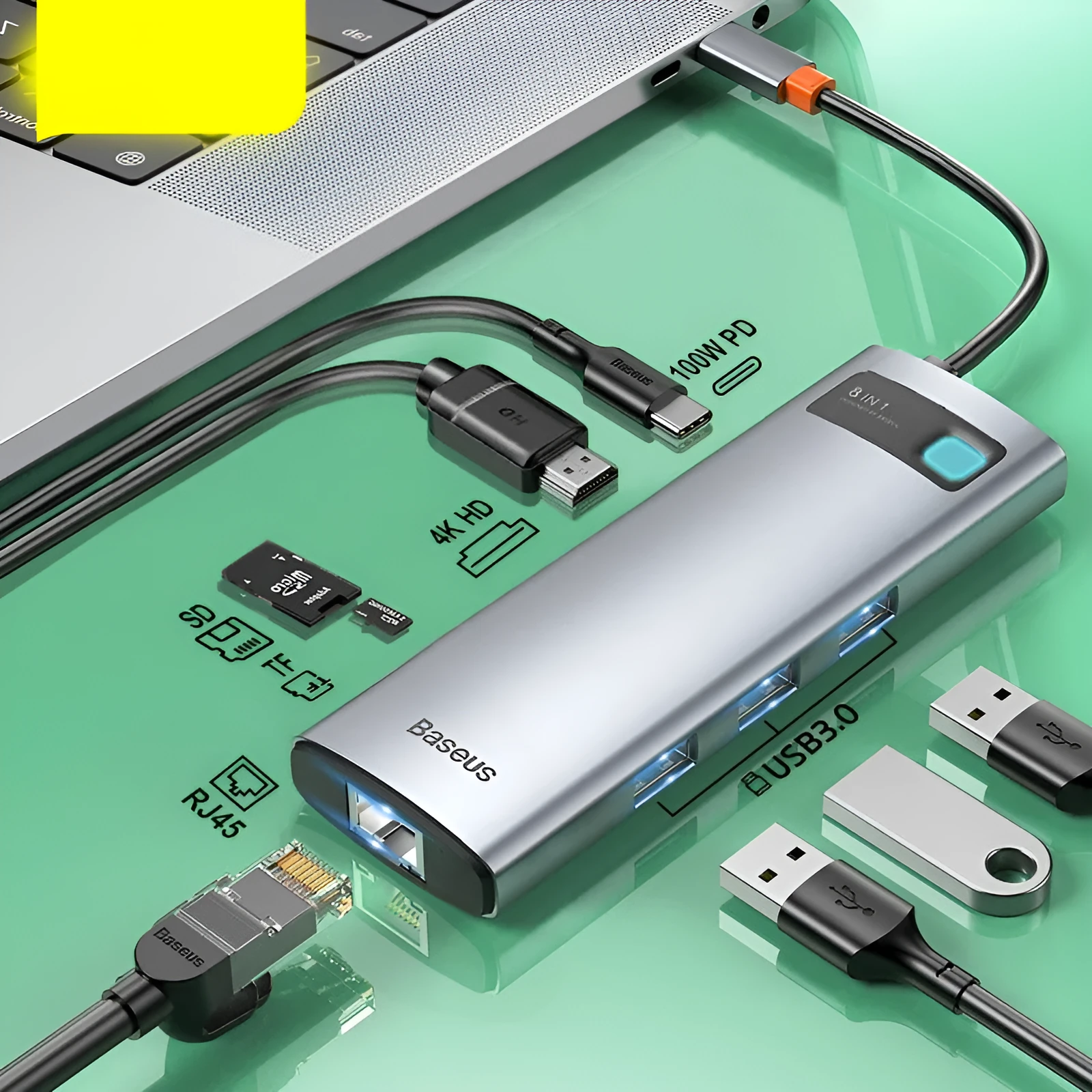
This hub is intended for connecting common peripherals to a Type-C laptop or notebook. The six-in-one model covers display output, charging, USB data devices, and wired networking. The eight-in-one model adds SD and TF card reading for photography or file transfer tasks. The four-in-one and five-in-one versions suit lighter setups where Ethernet and card slots are not needed.
Event or Professional Use
In a work setting, the six-in-one hub can connect a monitor through the 4K HD port, a wired network through Gigabit Ethernet, and USB peripherals such as a keyboard, mouse, or external drive through the three USB 3.0 ports. The PD port allows the laptop to charge while the hub is in use, where the host and charger support it. This reduces the need to swap cables when moving between desk and meeting room. The source text does not state specific data transfer speeds beyond the USB 3.0 and USB 2.0 standards, nor does it list supported display resolutions beyond 4K HD.
Everyday Home Use
At home, the hub can link a notebook to a TV or monitor via the 4K HD output while keeping USB ports free for a printer, flash drive, or phone cable. The Gigabit Ethernet port on the six-in-one and eight-in-one models provides a wired alternative when Wi-Fi is unreliable. The eight-in-one version adds SD and TF slots for transferring photos from a camera. The four-in-one and five-in-one models are simpler options for basic USB and display expansion. No external power supply is needed, so the hub can be used wherever the laptop is.
Benefits and Buying Value
The main value of this hub is consolidating several connections into one Type-C adapter. Choosing the right configuration avoids paying for ports you will not use, while the six-in-one and eight-in-one models cover wired networking and card reading. The bus-powered design means no separate power supply, which keeps the setup minimal.
Reuse and Low Maintenance
Because the hub has no external power supply and no moving parts described in the source, maintenance is limited to keeping the ports free of dust and debris. The metal shimmer finish is stated in the model name, but no specific cleaning or care instructions are provided. The hub can be moved between compatible Type-C devices, provided the host supports the required functions. The source text does not give a lifespan or durability rating, so no claims are made about long-term performance.
Why Choose This Product
This docking station suits buyers who want a specific set of ports rather than a one-size-fits-all adapter. The six-in-one model combines 4K HD, PD, three USB 3.0 ports, and Gigabit Ethernet, while the eight-in-one adds SD and TF card slots. The four-in-one and five-in-one versions offer fewer ports for lighter needs. All versions work without an external power supply. Exact dimensions, weight, colour options, and supported operating systems are not stated in the source, so those details should be confirmed before purchase if they are critical.