

G20 flying mouse 2.4G wireless remote control with voice control and 6-axis gyroscope for computers and Android players, offering 10-metre range and 18-button functionality in ABS plastic and silicone construction measuring 160mm x 45mm x 20mm


G20 flying mouse 2.4G wireless remote control with voice control and 6-axis gyroscope for computers and Android players, offering 10-metre range and 18-button functionality in ABS plastic and silicone construction measuring 160mm x 45mm x 20mm
G20 2.4G Wireless Flying Mouse with Voice Control and 6-Axis Gyroscope for Computer and Android Cursor Navigation
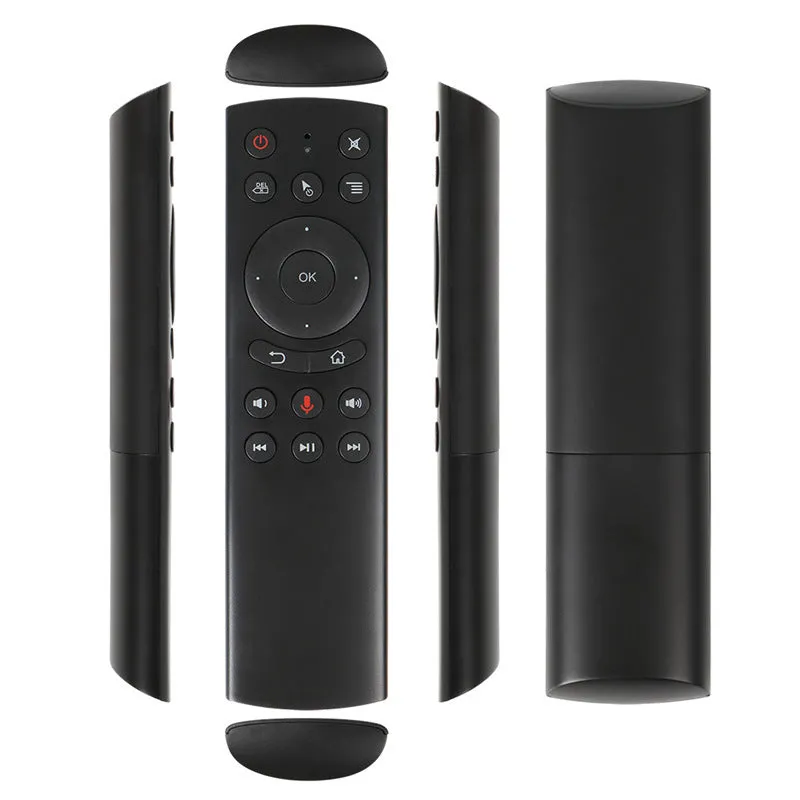
The G20 flying mouse is a 2.4G wireless input device designed to replace traditional keyboards and mice for certain computing scenarios. Its core function, as suggested by the 'air mouse' name, is to control an on-screen cursor through physical gestures in the air. This is enabled by a built-in 6-axis gyroscope that senses the direction and speed changes of your hand movements. Primarily aimed at users of computers and Android-based media players, it offers a hands-liberated approach to activities like web browsing, social media, and casual gaming from the comfort of a sofa or chair, supported by a 10-metre wireless range.
Features and Construction
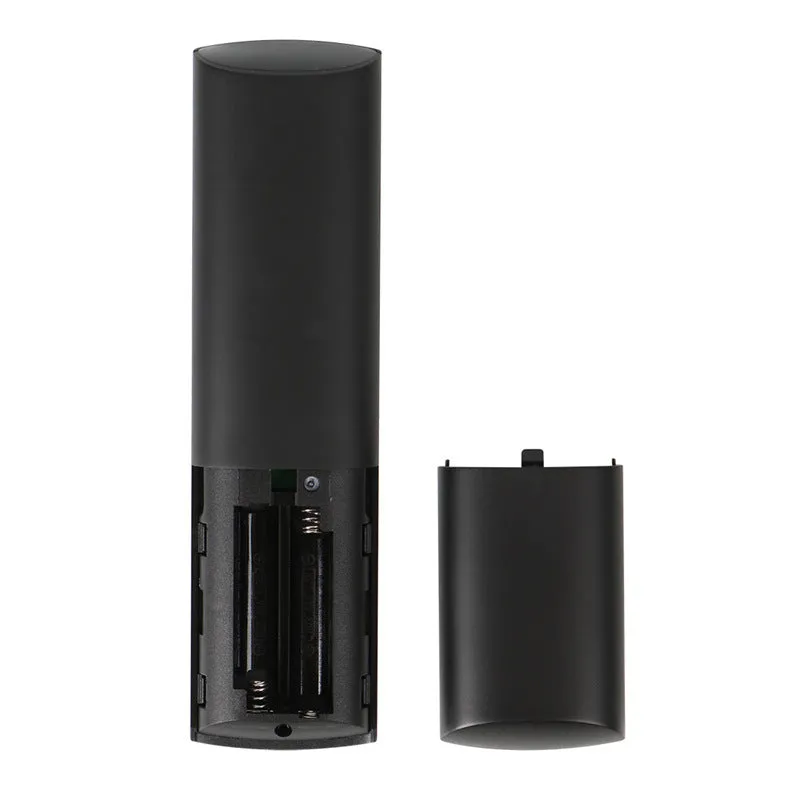
This remote combines several technologies into a single, handheld unit. The 2.4G wireless technology ensures a stable connection without the clutter of cables, while the internal sensor array handles the motion tracking. The physical build is designed for regular handling during navigation and entertainment tasks.
Material and Build
The G20 flying mouse is manufactured from ABS plastic, a material chosen for its balance of durability, light weight, and cost-effectiveness for electronic housings. The buttons on the device are topped with silicone, which provides a distinct, slightly soft tactile feel compared to hard plastic, potentially improving feedback during use. The construction results in a device measuring 160mm long, 45mm wide, and 20mm thick, forming an ergonomic shape suited to being held and waved.
Size and Practical Fit
With dimensions of 160mm x 45mm x 20mm, the G20 is comparable in size to many traditional remote controls or gaming controllers, making it easy to hold in one hand. Its profile is slim enough for comfortable grip during extended air gestures. The 18-button layout includes standard navigation keys like 'OK' and 'Back', suggesting compatibility with media centre interfaces and web browsers. Power is supplied by two standard AAA batteries, a common choice that offers easy replacement.
Uses and Placement
The product's functionality opens up specific use cases centred on relaxed, distant interaction with a screen. It bridges the gap between a standard wireless mouse and a dedicated media remote, fitting into environments where a desk is not practical or desired.
Event or Professional Use
While primarily a consumer device, the G20's 10-metre range and gesture control could be applied in professional presentation settings. A presenter could advance slides or highlight on-screen elements without being tethered to a laptop. Its compatibility with Android players also makes it a candidate for controlling digital signage or kiosk displays from a distance, where a wired mouse would be impractical.
Everyday Home Use
For home entertainment, the flying mouse is positioned as a tool for sofa-based computing. It allows users to browse the internet, chat with friends, or navigate media libraries on a connected TV or projector without needing a flat surface for a traditional mouse. The mention of 'somatosensory games' indicates it can also serve as a basic motion controller for compatible gaming experiences on a computer, adding a physical element to gameplay from a seated position.
Benefits and Buying Value
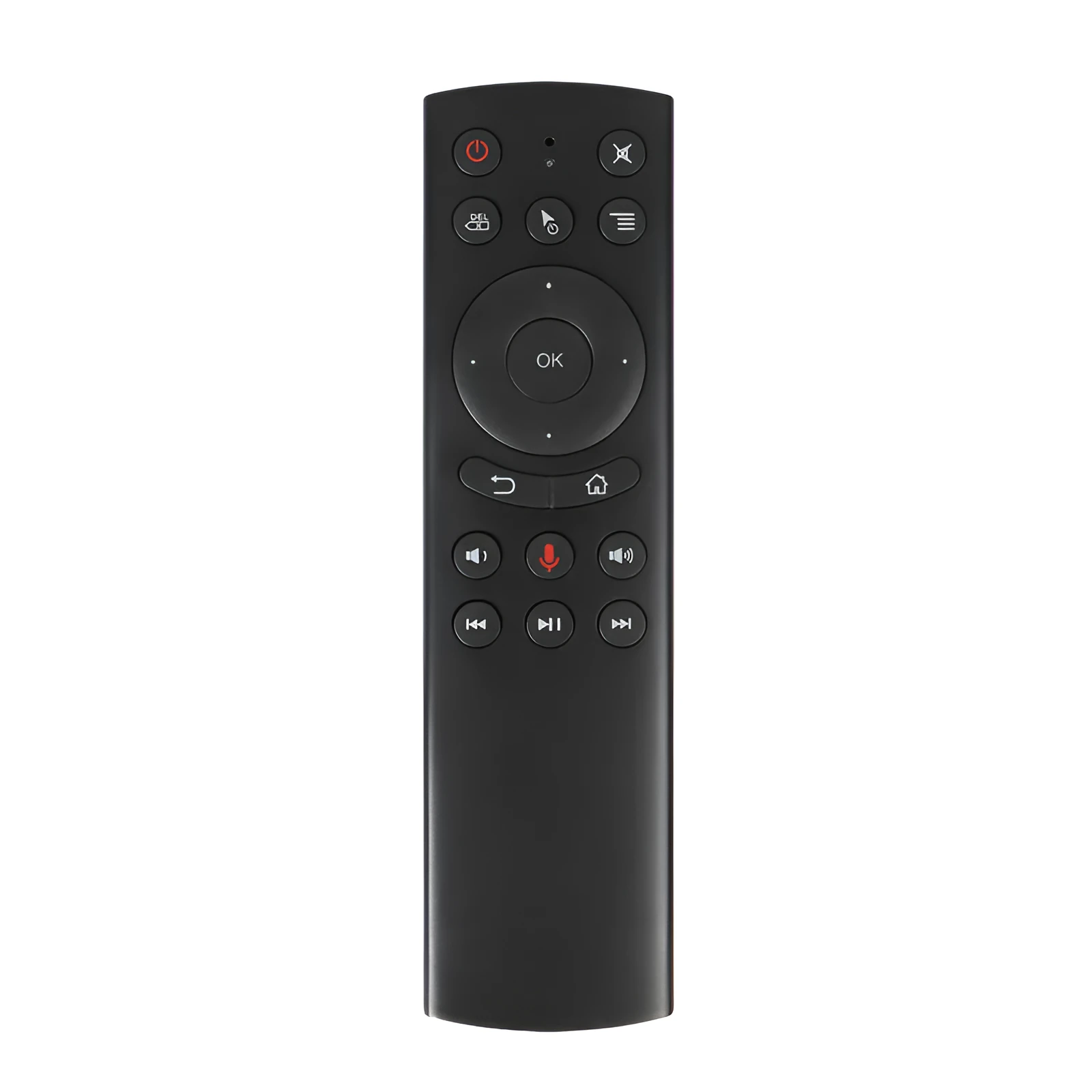
The value proposition of the G20 lies in its specific approach to user interaction, reducing hardware clutter and enabling a more relaxed posture. It solves the practical problem of needing a desk or tray for a mouse when using a computer from a couch or armchair.
Reuse and Low Maintenance
The device is designed for repeated daily use. Its ABS plastic shell is resistant to everyday knocks and scuffs, and the silicone buttons are likely to withstand frequent presses. Maintenance is minimal, primarily involving battery replacement for the two AAA cells. The USB receiver is small and can remain plugged into a device, enabling quick resume of function. The simple pairing process, once initially completed, should allow for reliable reuse across multiple sessions.
Why Choose This Product
You might choose the G20 flying mouse if your primary need is to control a computer or Android media player from across the room without a desk. Its key differentiator is the 6-axis gyroscope enabling air gesture control, a feature not found on standard wireless mice. The inclusion of 18 buttons and optional voice control (depending on the selected model) provides more direct command options than a simple pointing device. It represents a dedicated tool for a specific scenario: making a living-room PC or media centre more accessible and convenient to use from a seated, relaxed position.