

Jinhetian Desktop Power Switch Button Computer Main Box Switch Boot Control Unit for Home Office Internet Cafe with 1.6 Metre Cable Plastic Metal Construction Black Red Colour


Jinhetian Desktop Power Switch Button Computer Main Box Switch Boot Control Unit for Home Office Internet Cafe with 1.6 Metre Cable Plastic Metal Construction Black Red Colour
Jinhetian Desktop Computer Power Switch with External Buttons and 1.6 Metre Cable
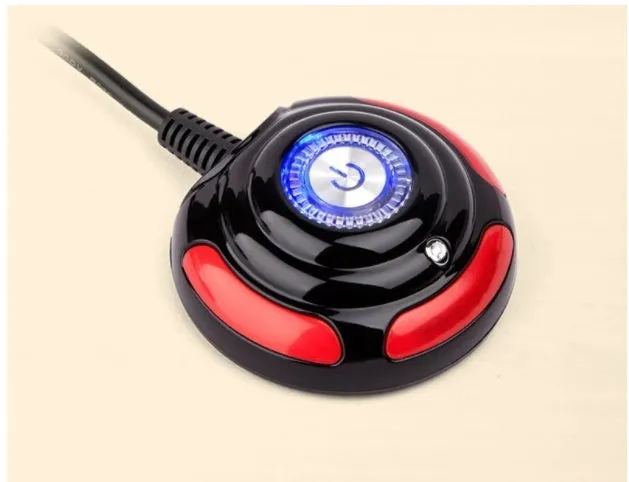
Managing your desktop computer's power supply can be more convenient with an external control unit. The Jinhetian Desktop Power Switch provides dedicated buttons for turning your PC on and off, as well as initiating a system reset, all from a location more accessible than the main computer case. This is particularly useful in environments like home offices, commercial internet cafes, or server setups where quick access is valued. The unit arrives ready to install, featuring a 1.6-metre cable that offers flexibility in where you place the switch on your desk or workstation.
Features and Construction
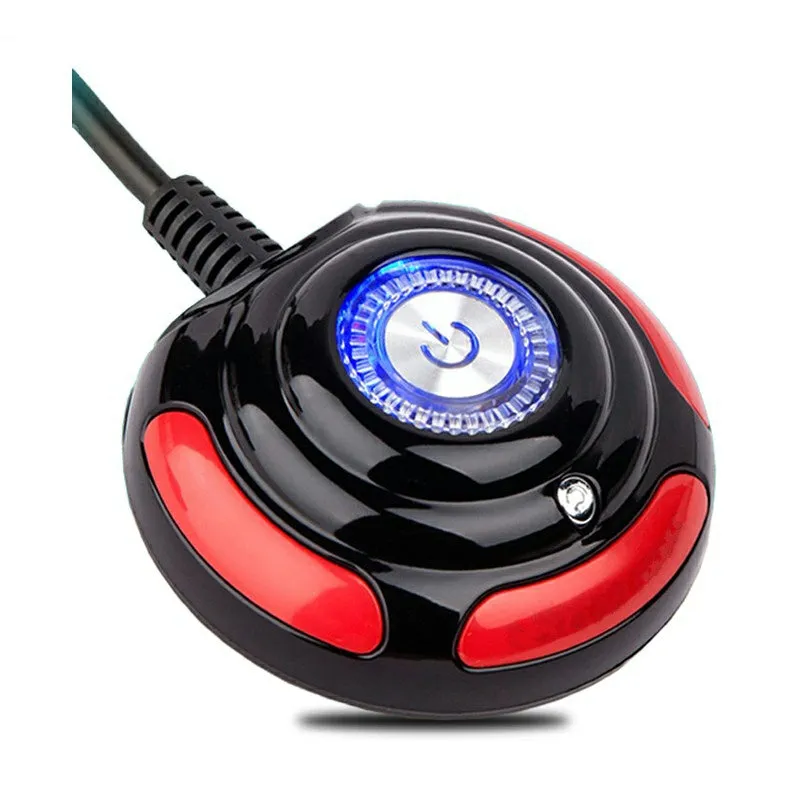
This switch is designed to deliver basic, reliable external control for a desktop computer. Its construction and feature set are focused on practicality for a range of computing environments.
Material and Build
The switch housing is made from plastic, creating a lightweight and durable shell. Metal components are integrated into the internal mechanism and switch contacts, providing the necessary electrical conductivity and longevity for repeated use. The combined plastic and metal build results in a product that is robust enough for regular operation while remaining portable. The colour scheme is black with red accents, offering a simple, functional aesthetic.
Size and Practical Fit
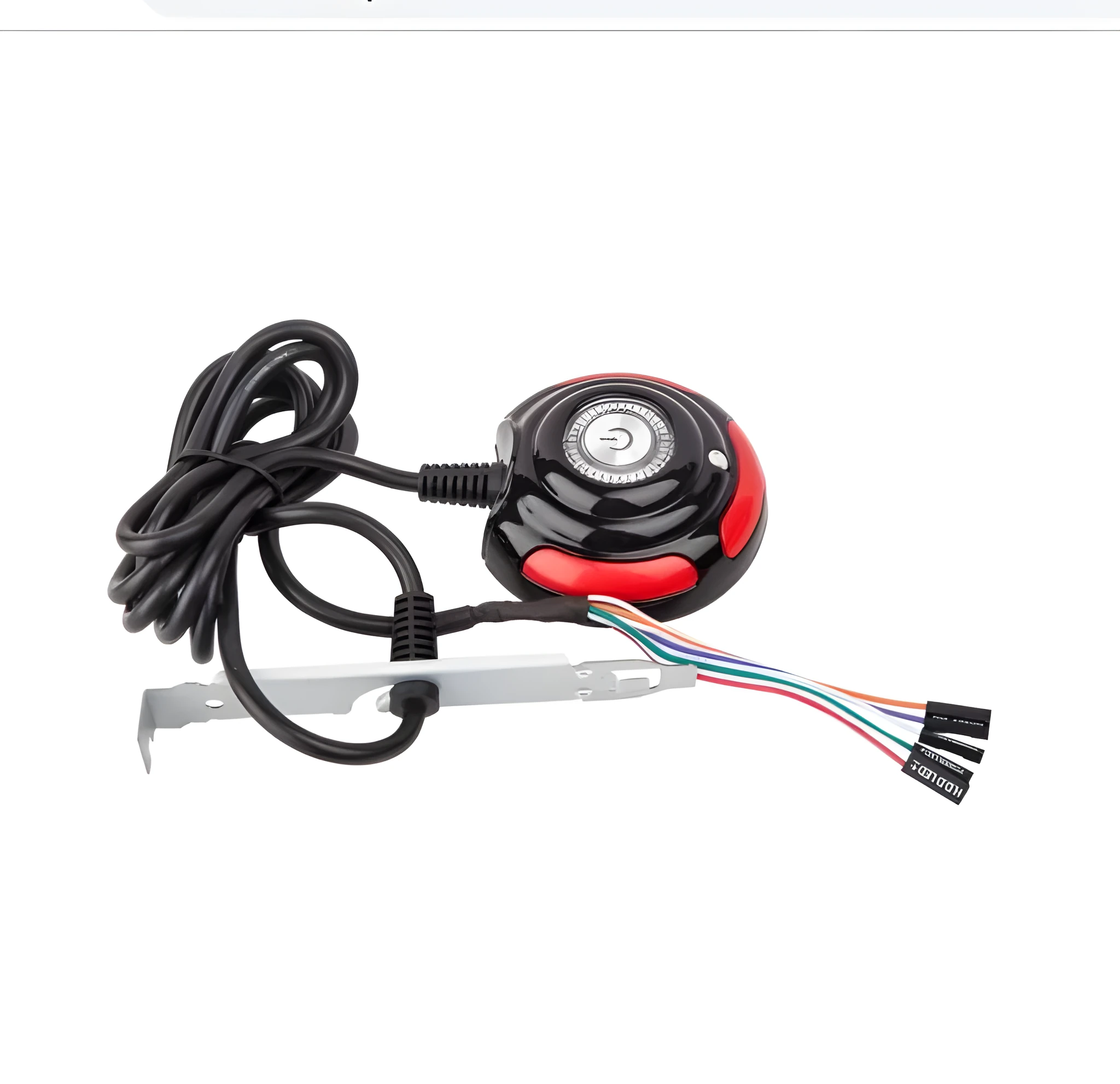
The primary provided dimension is the attached cable, which measures 1.6 metres (approximately 63 inches). This length allows you to position the switch unit at a convenient distance from the computer tower itself, whether on a desktop, mounted to a side panel, or placed within a rack. The compact form factor of the main switch body supports this flexible placement, making it suitable for tight spaces or organised cable management setups.
Uses and Placement
This power switch is applicable in several scenarios where external PC control is beneficial. Its design supports both personal and professional use cases.
Event or Professional Use
In settings like internet cafes, office server rooms, or event LAN parties, quick and easy access to power controls is essential. This switch allows an operator to boot or reset multiple machines without opening each case. The clear indicator light provides instant visual feedback on the power state, which is useful for managing several computers simultaneously. The portable nature of the unit also aids in temporary setups or testing benches.
Everyday Home Use
For home desktop PCs, especially those placed under desks or in difficult-to-reach positions, this switch brings the power button to your fingertips. It can be mounted on the desktop surface, side of a monitor, or another accessible spot. This can reduce wear on the computer's main case button and add convenience for daily use. The inclusion of both power and reset functions covers the two most common manual control needs for a typical user.
Benefits and Buying Value
The value of this product lies in its specific function and straightforward design, offering a solution to a common accessibility issue with desktop computers.
Reuse and Low Maintenance
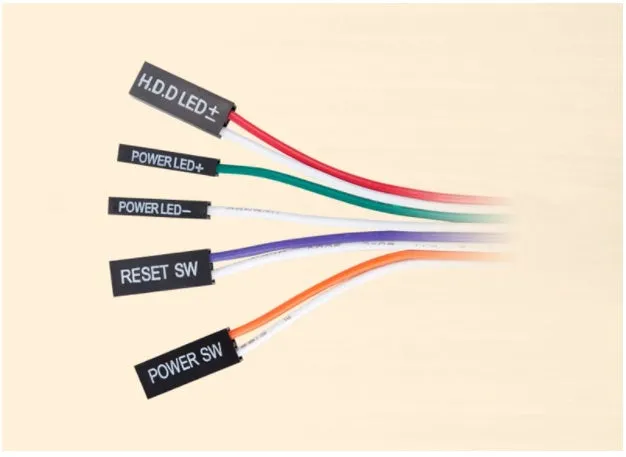
As a simple electronic component with no moving parts beyond the buttons, the switch requires minimal maintenance. The plastic and metal construction is designed for repeated use. It can be transferred between different computers if needed, assuming compatible motherboard connections, making it a reusable accessory. Keeping the unit clean and free from dust is typically all that is required for ongoing operation.
Why Choose This Product
This Jinhetian switch provides a dedicated, external solution for controlling a desktop PC's power. Its key advantages are the inclusion of both power and reset buttons, a status light, and a generous cable length for flexible placement. It serves a clear purpose for users who find accessing their computer's main case button inconvenient. The product is presented as a functional necessity for certain computing setups, focusing on utility in home, office, and commercial environments.