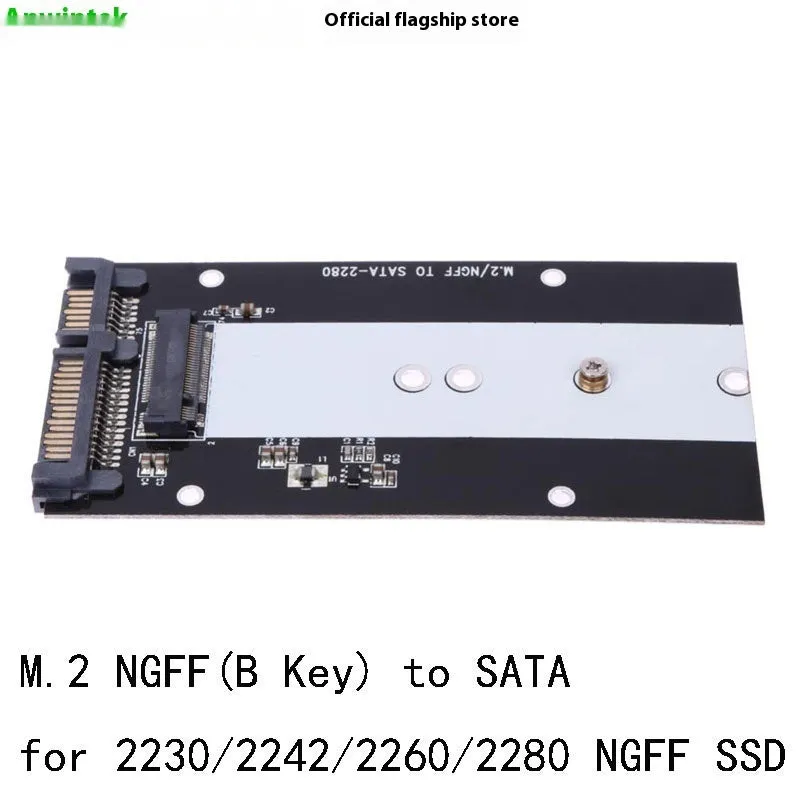
MSATA m2 NGFF SSD Adapter Card mSATA to SATA3.0 M.2 NGFF to SATA3.0 Converter USB3.0 Interface Dual Card Option


MSATA m2 NGFF SSD Adapter Card mSATA to SATA3.0 M.2 NGFF to SATA3.0 Converter USB3.0 Interface Dual Card Option
mSATA and M.2 NGFF to SATA3.0 Adapter Card with USB3.0 Interface
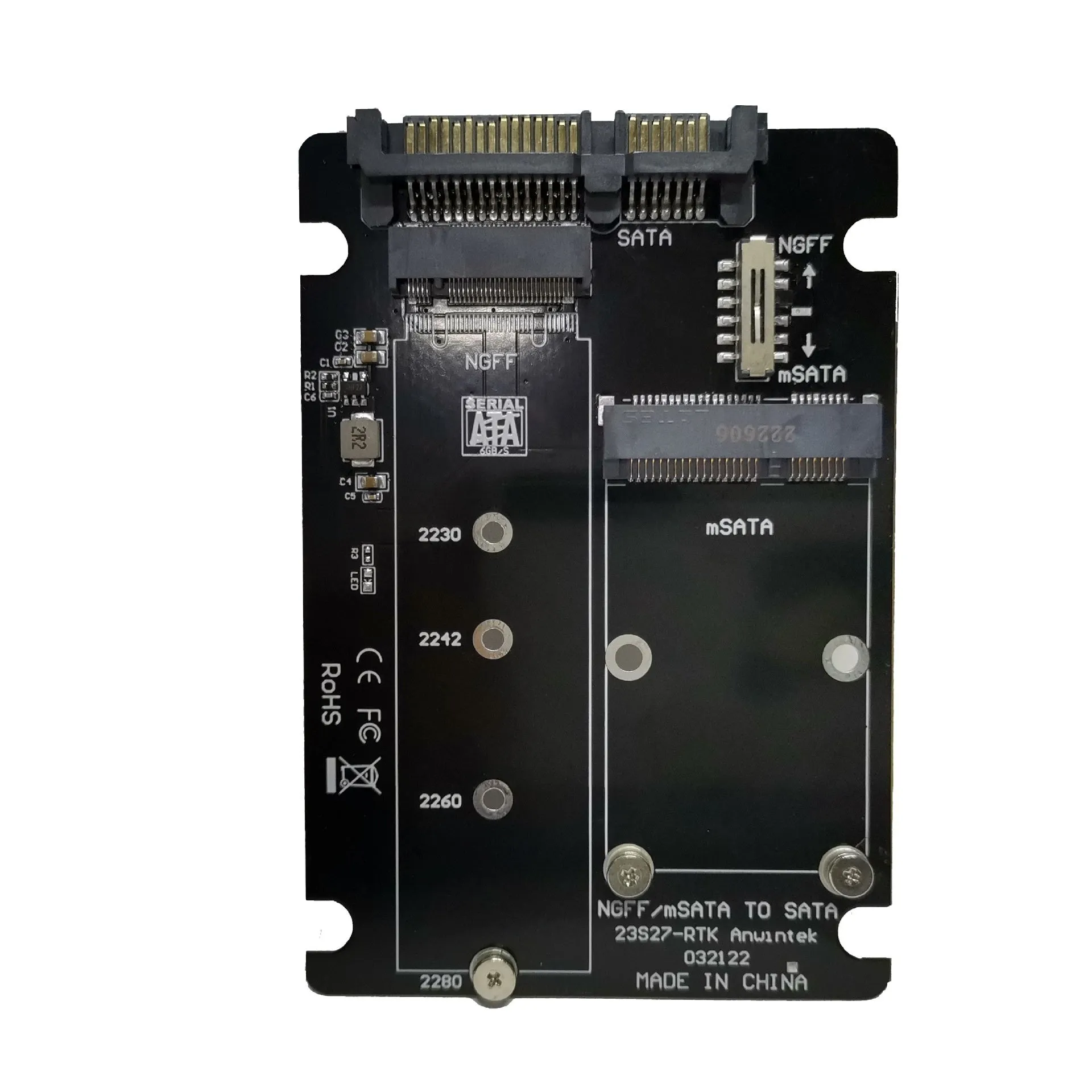
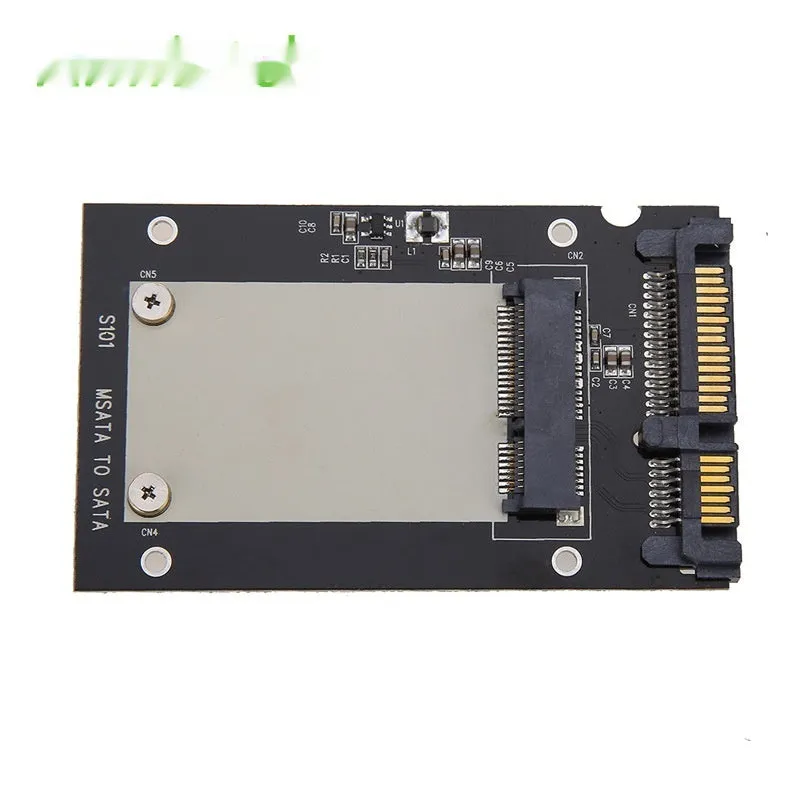
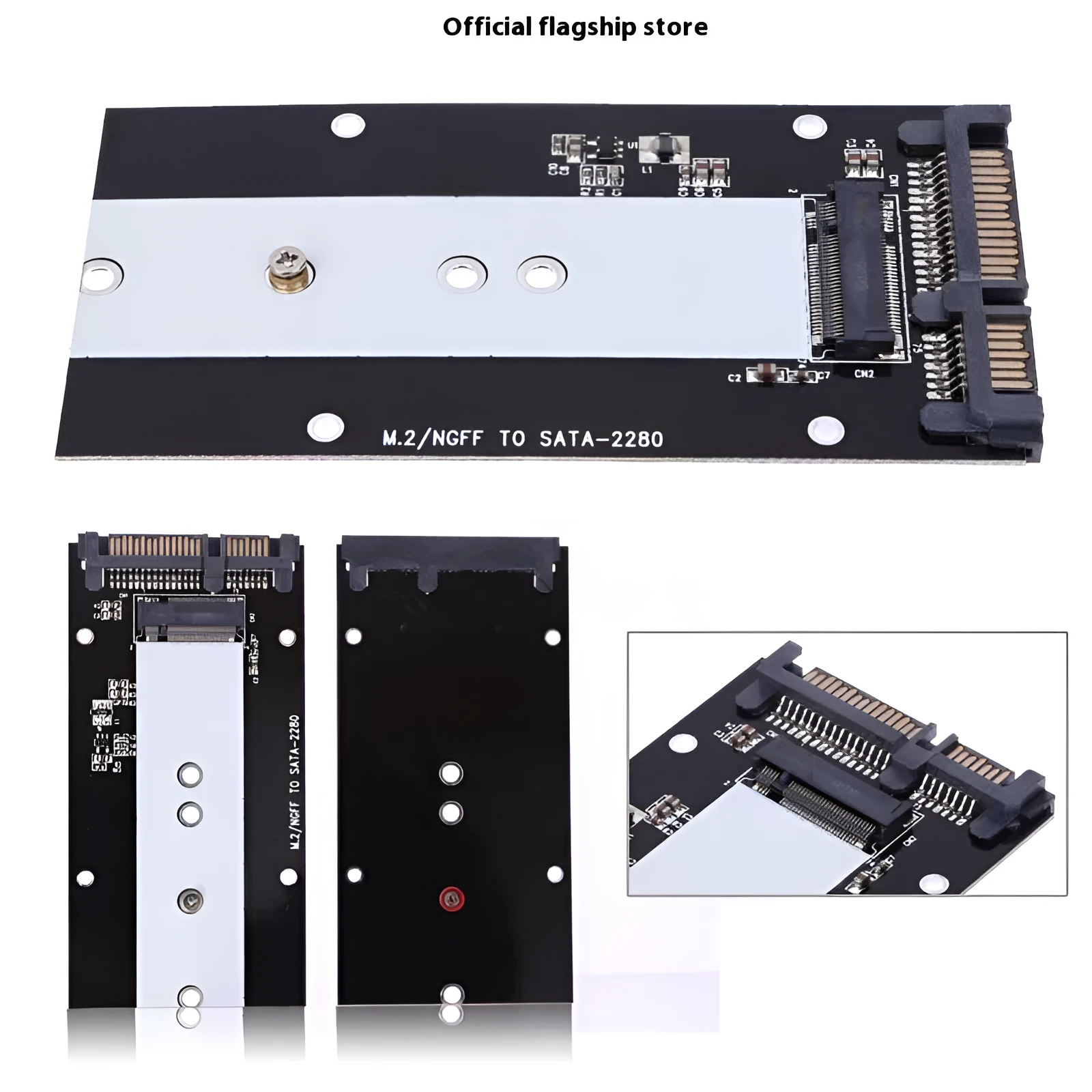
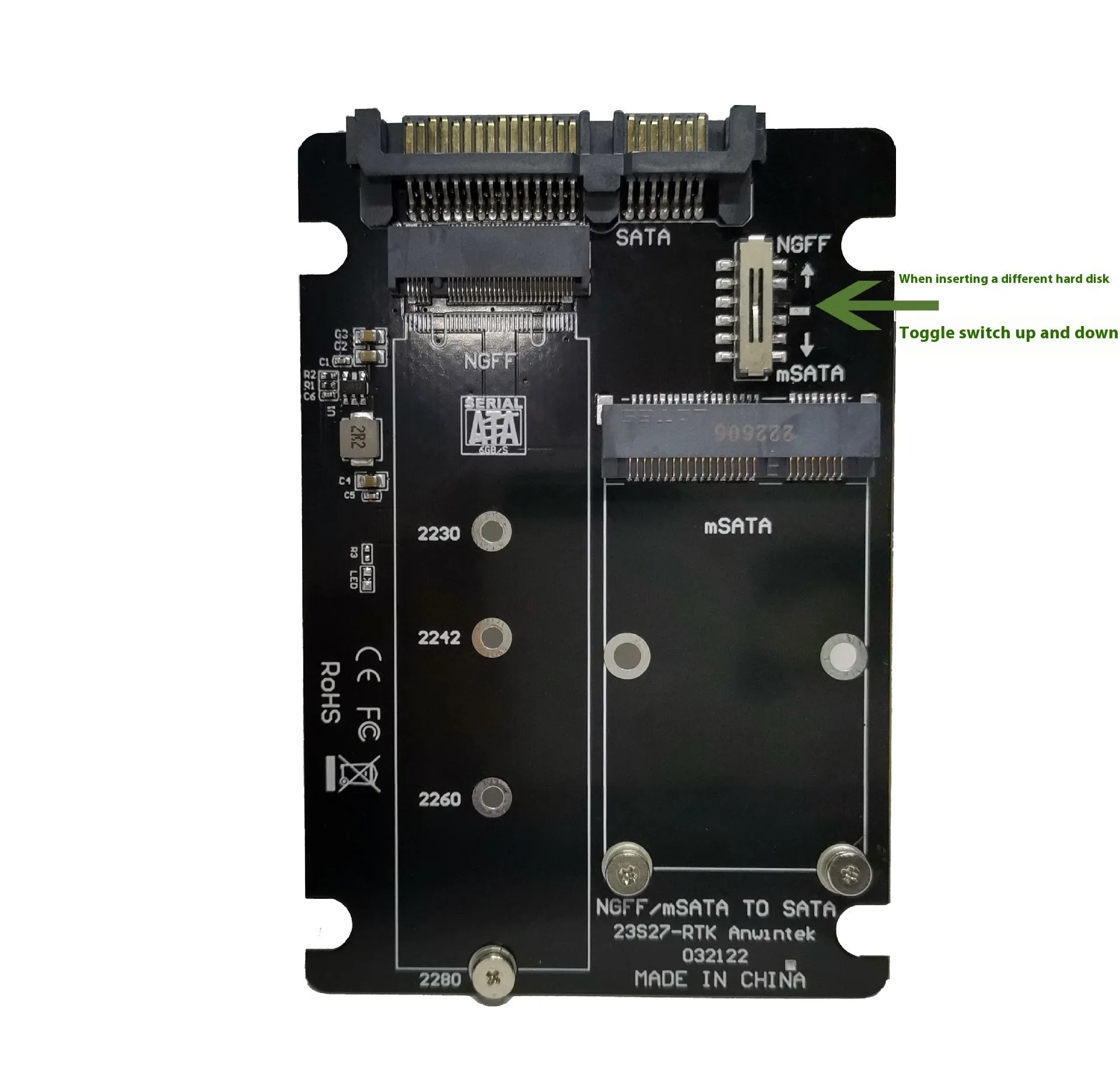
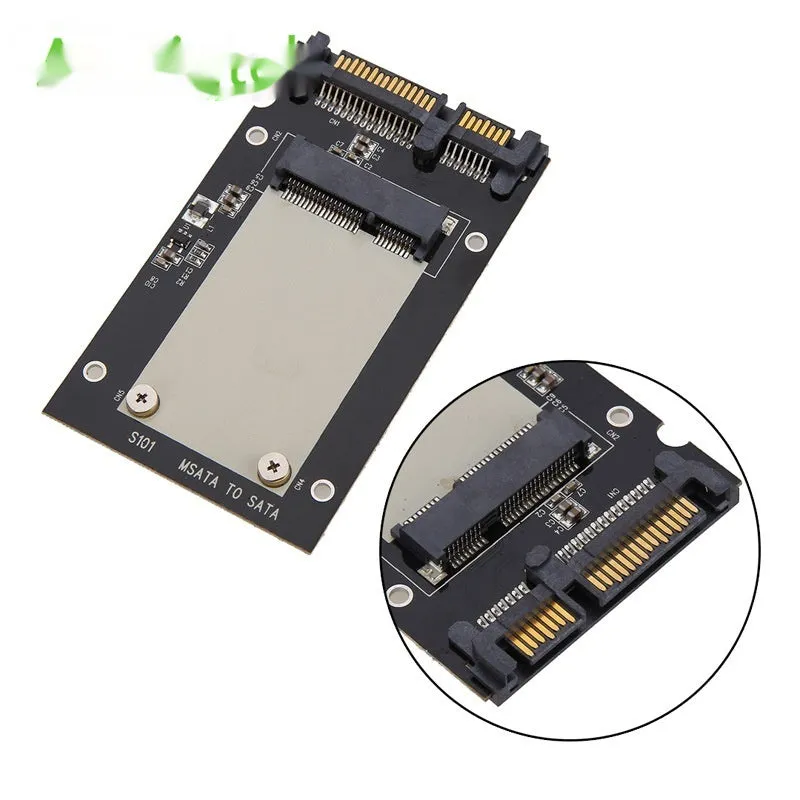
This adapter card is designed for converting between common SSD formats and a SATA3.0 connection. It is available in three colour options: mSATA to SATA3.0, M.2 NGFF to SATA3.0, and an M.2 NGFF/mSATA dual card. The stated USB3.0 interface gives a defined connection type for the adapter. It is supplied as a single adapter card. No dimensions, transfer speeds, or maximum drive capacities are provided in the source text, so this description stays within the confirmed details. Before buying, check whether your SSD is mSATA or M.2 NGFF and whether your host uses SATA3.0 or USB3.0.
Features and Construction
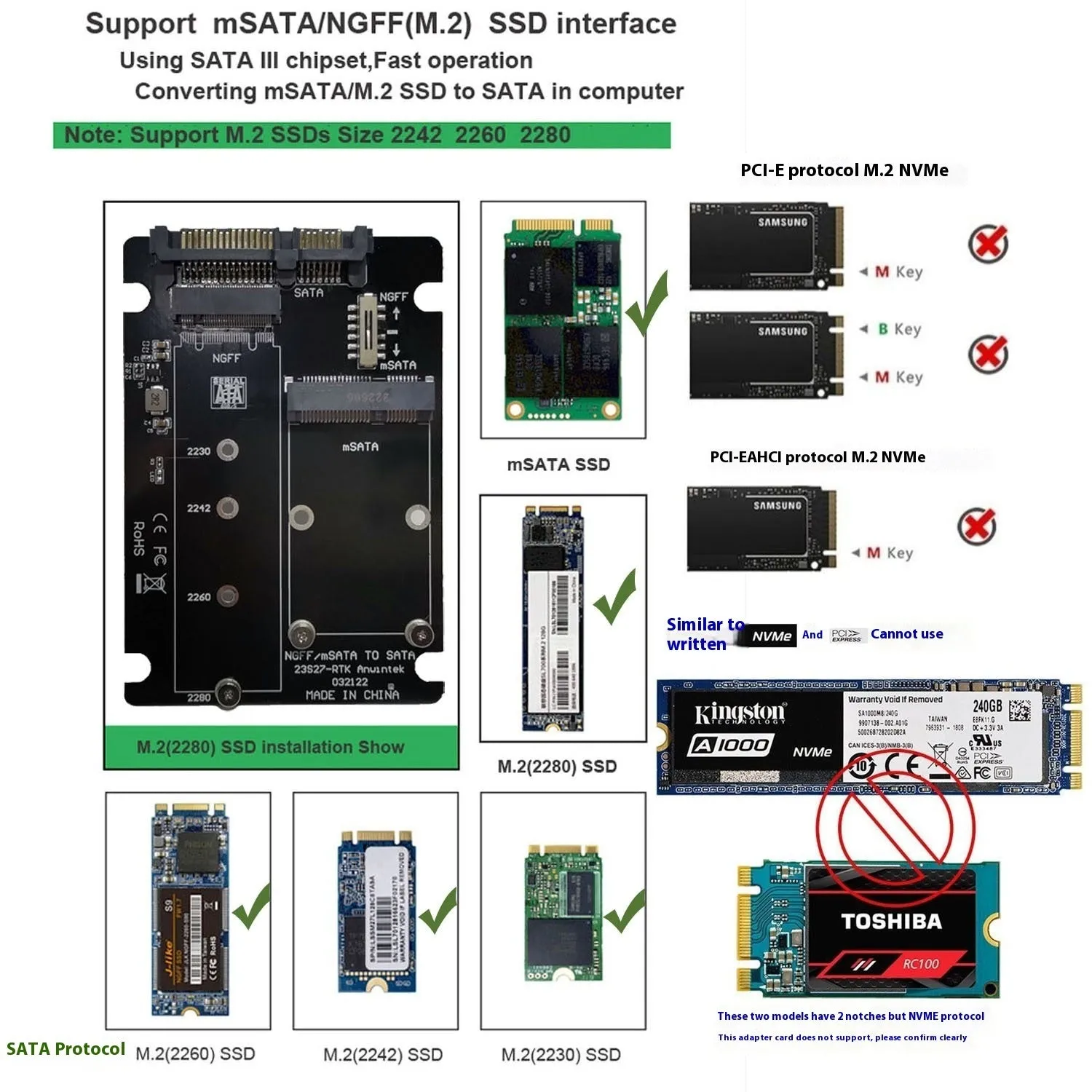
The adapter card is built around format conversion. The three colour options cover mSATA to SATA3.0, M.2 NGFF to SATA3.0, and a dual M.2 NGFF/mSATA card. The USB3.0 interface is the only connection standard stated. No further construction details are given.
Material and Build
The source text does not state specific materials for the adapter card. It describes only the colour options and the USB3.0 interface. Because no material details are provided, no claims are made about durability, finish, or housing type. The practical point is the conversion function itself: mSATA to SATA3.0 or M.2 NGFF to SATA3.0, with a dual-card variant for both formats in one adapter.
Size and Practical Fit
No dimensions or weight are given in the source text. The adapter is supplied as one card, and its fit depends on matching the correct SSD format and host connection. The dual-card option is the most flexible of the three colour choices because it covers both M.2 NGFF and mSATA. For the single-format options, confirm that your drive is either mSATA or M.2 NGFF before ordering. No drive capacity limits are stated.
Uses and Placement
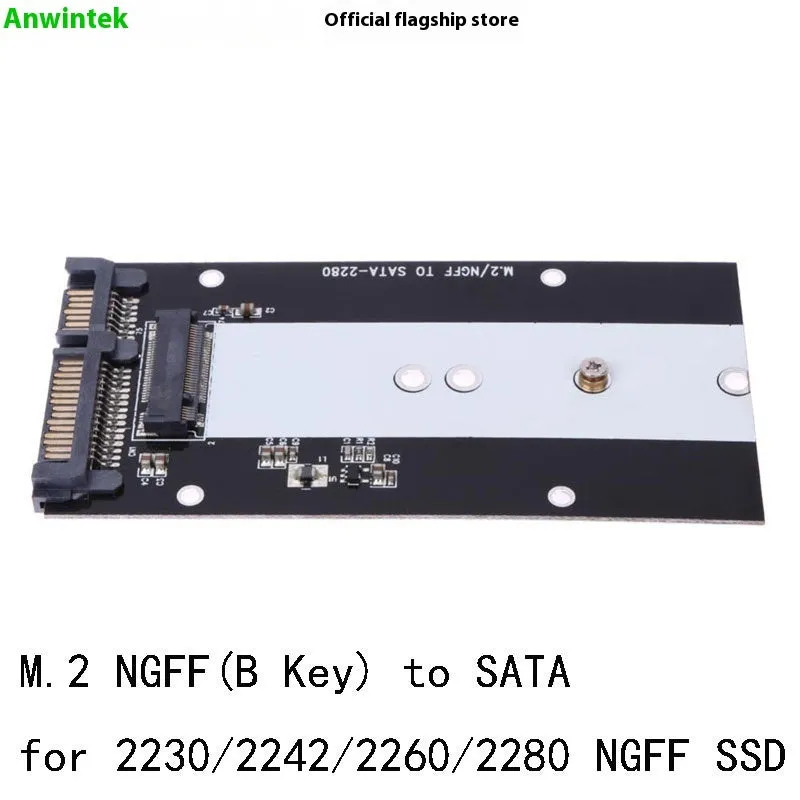
This adapter card is used when an SSD needs to connect through a different interface than the one it was made for. It can suit repairs, upgrades, or moving a drive between systems. The USB3.0 interface is stated, and the colour options define whether the card is for mSATA, M.2 NGFF, or both.
Event or Professional Use
In a workshop or technical setting, the adapter can help when testing or repurposing an SSD. An mSATA to SATA3.0 card is relevant for mSATA drives, while the M.2 NGFF to SATA3.0 card is relevant for M.2 NGFF drives. The dual-card option reduces the need to choose between the two formats. No performance ratings, data transfer rates, or compatibility beyond the stated formats are claimed in the source text.
Everyday Home Use
At home, the adapter card can be used when fitting a spare SSD into a desktop or enclosure that uses a SATA3.0 connection. It is supplied as a single adapter card. The M.2 NGFF/mSATA dual card option is useful if you own both types of drive or expect to use either one. The USB3.0 interface is the only connection type named in the source data. No tools, cables, or software are included beyond the adapter card.
Benefits and Buying Value
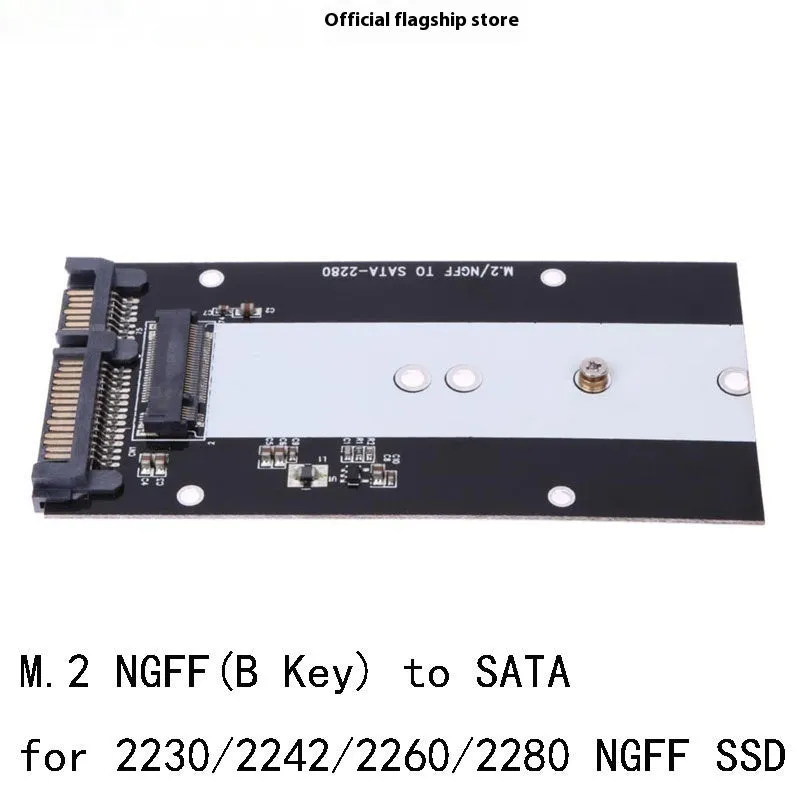
The main value is format conversion in a single card. Rather than replacing a drive, the adapter changes how it connects. The three colour options make the intended format clear. The USB3.0 interface is stated, and the dual-card version covers two SSD formats.
Reuse and Low Maintenance
Because the adapter allows an existing mSATA or M.2 NGFF SSD to connect to SATA3.0, it can help extend the use of a drive you already own. The dual-card option is particularly relevant for reuse because it supports both M.2 NGFF and mSATA. No maintenance schedule, lifespan, or cleaning instructions are given in the source text, so only basic careful handling is advised. The package contains one adapter card.
Why Choose This Product
Choose this adapter if you need a stated mSATA to SATA3.0, M.2 NGFF to SATA3.0, or dual M.2 NGFF/mSATA conversion. The USB3.0 interface is confirmed in the source data. It is supplied as a single adapter card. No dimensions, transfer rates, or capacity limits are provided, so check your drive format and host connection before purchase. The dual-card option offers the broadest format coverage of the three choices.